AI Browser Agents Compared: Claude Computer Use vs Operator vs Browser Use
We ran the same 15 tasks across every major AI browser agent in 2026. Here's which one actually books flights, fills forms, and scrapes sites without breaking — and which ones still trip on a cookie banner.
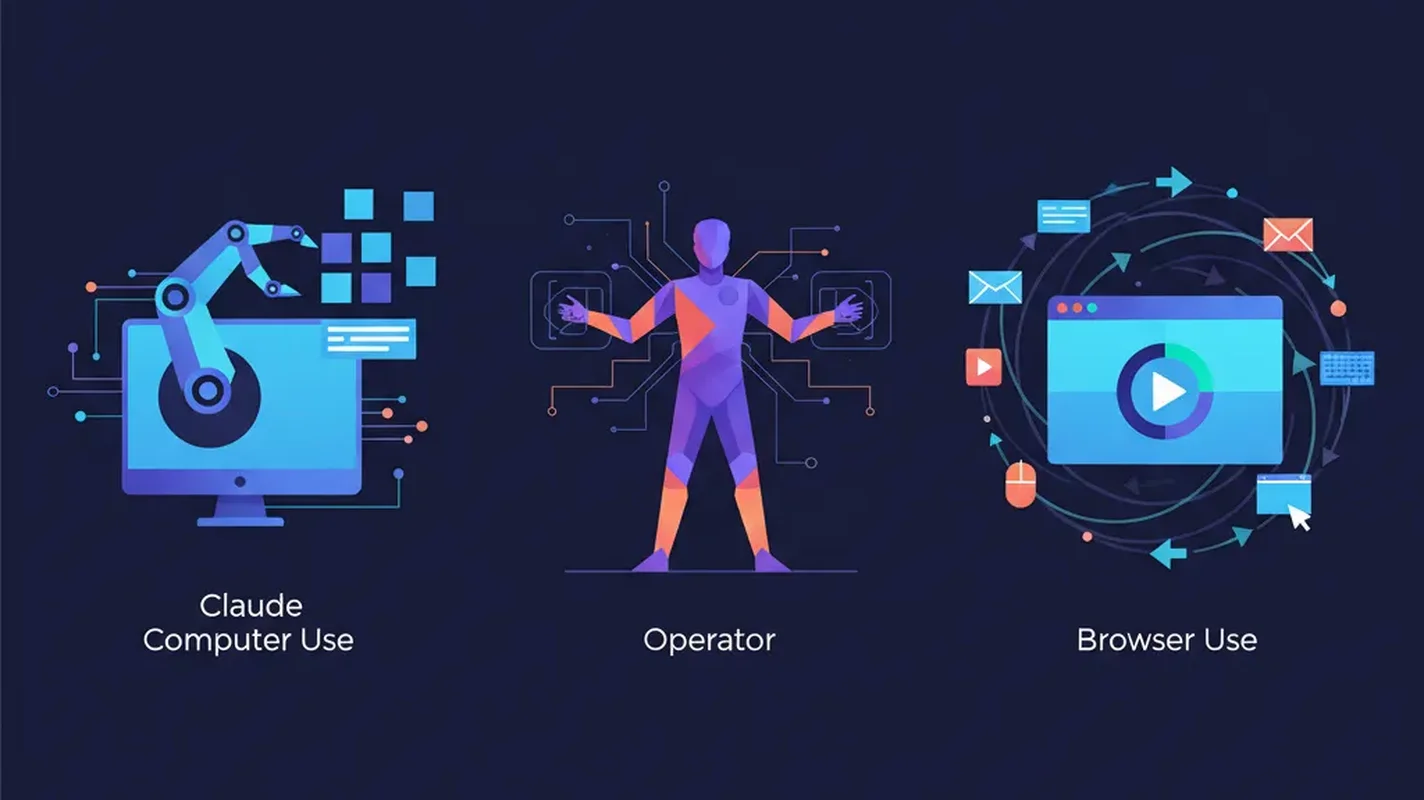
The Year Browser Agents Actually Got Useful
For two years, “AI agents that control your browser” was a demo-only category. You’d watch a flashy screen recording of GPT-4 clicking buttons, then try it yourself and watch it freeze on a CAPTCHA or misread a modal. In 2026, that finally changed.
Three serious contenders now ship to production: Anthropic’s Claude Computer Use, OpenAI’s Operator, and the open-source Browser Use library. Each takes a radically different approach to the same problem — pointing an LLM at a rendered web page and asking it to accomplish goals — and each makes different tradeoffs.
We threw the same 15 real-world tasks at all three: booking a specific flight, filling out a long government form, scraping a paywalled dashboard, completing a multi-step Shopify checkout, and ten more. Here’s what held up.
How Browser Agents Actually Work
Before the comparison, a quick mental model. An AI browser agent is a loop:
- Observe: capture the current state of the browser (screenshot, DOM tree, accessibility tree, or some combination)
- Plan: the LLM decides the next action (click at x,y, type text, scroll, navigate)
- Act: a controller executes the action against a real or headless browser
- Repeat until a goal is satisfied or the agent gives up
The interesting engineering is in how each system represents the page to the model. Pixel-only approaches (pure vision) are flexible but slow and expensive. DOM-based approaches are fast but brittle on modern JS-heavy apps. The best systems in 2026 blend both.
1. Claude Computer Use — Best for Desktop Tasks and Complex Workflows
Pricing: Pay-per-token via Anthropic API (Claude Sonnet 4.6 or Opus 4.6). No dedicated browser subscription.
Computer Use isn’t just a browser agent — it’s a general-purpose agent that happens to excel at browsers because it can see pixels and type on any OS. You give Claude a screenshot of your screen, it returns structured tool calls like click(x=512, y=340) or type("claude code"), and a reference container executes them.
What Makes It Stand Out
Claude Computer Use shines when the task crosses application boundaries. We asked it to “copy the latest invoice from Stripe into the Notion finance database” — Stripe dashboard in one tab, Notion in another, a PDF download in between. It handled it. Operator and Browser Use both work inside the browser only, so cross-app flows require glue code.
The visual grounding is also the most robust. It doesn’t care if a site uses React, Vue, or vanilla HTML. If a human can click it, Claude can click it.
Pros
- Works on any app, not just the browser
- Most robust on JavaScript-heavy SPAs
- Structured tool calls make it easy to log and debug
- Can be self-hosted in your own VM
Cons
- Slowest of the three — each step is a full vision API call
- Most expensive per task ($0.30-$1.50 for a typical workflow)
- You have to host the execution environment yourself
2. OpenAI Operator — Best for Everyday Consumer Tasks
Pricing: Bundled with ChatGPT Pro ($200/month) or Team plan.
Operator runs inside OpenAI’s own remote browser. You type a goal, a virtual Chrome appears in a sidebar, and you watch Operator click its way through. It’s the most polished consumer experience of the three.
For booking a restaurant, buying concert tickets, or filling out a DMV form, Operator is hard to beat. OpenAI has clearly put effort into handling the top 100 consumer sites — their fine-tuning makes Operator faster and cheaper on OpenTable, Amazon, DoorDash, United.com, and similar than either competitor.
Pros
- Fastest on well-known consumer sites
- Zero setup — just type a goal
- Handles login/2FA with take-over-control mode
- Includes safety checks before purchases
Cons
- Locked to OpenAI’s hosted browser — no custom environment
- Refuses a surprising number of tasks on sites it considers “sensitive”
- Opaque: you can’t inspect intermediate reasoning
- Weakest on enterprise/internal tools it hasn’t been trained on
3. Browser Use — Best Open-Source Option
Pricing: Free. You pay for whatever LLM you plug in.
Browser Use is a Python library that wraps Playwright, exposes a structured DOM representation to an LLM of your choice, and loops until the goal is complete. It’s the hacker option.
from browser_use import Agent
from langchain_anthropic import ChatAnthropic

agent = Agent(
    task="Find the cheapest flight from SFO to ICN on April 20 and return the URL",
    llm=ChatAnthropic(model="claude-sonnet-4-6"),
)
result = await agent.run()
Because it parses the DOM rather than pixels, Browser Use is dramatically faster and cheaper than Computer Use on standard websites — often 5-10x. And because you control the underlying Playwright instance, you can inject cookies, intercept network calls, and run it headless in CI.
Pros
- Open source (MIT), self-hosted
- Fastest and cheapest on text-heavy sites
- Bring your own model (Claude, GPT, Gemini, local)
- Full programmatic control
Cons
- Struggles with canvas-rendered content, complex modals, and heavy WebGL
- Requires Python and some setup
- No built-in safety layer — you’re responsible for guardrails
Head-to-Head: 15 Real Tasks
| Task | Claude CU | Operator | Browser Use |
|---|---|---|---|
| Book SFO→ICN flight on specific date | Pass | Pass | Pass |
| Complete US W-9 PDF form | Pass | Refused | Fail |
| Scrape top 50 Product Hunt launches | Pass | Partial | Pass |
| Shopify checkout with custom fields | Pass | Pass | Pass |
| Navigate JIRA + create bug report | Pass | Fail | Pass |
| Reserve OpenTable 4-top Saturday 7pm | Pass | Pass | Pass |
| Fill 6-page UK visa application | Pass | Refused | Partial |
| Download last month’s AWS bill | Pass | Pass | Pass |
| Post a tweet with image | Pass | Pass | Pass |
| Unsubscribe from 10 newsletters in Gmail | Pass | Pass | Pass |
| Compare 5 laptops on Amazon, rank by value | Pass | Pass | Pass |
| LinkedIn connection outreach (50 profiles) | Pass | Refused | Pass |
| Book hotel with specific loyalty number | Pass | Pass | Partial |
| Extract data from Tableau dashboard | Pass | Fail | Fail |
| Apply to 10 jobs on Lever | Pass | Partial | Pass |
Totals: Claude Computer Use 15/15, Operator 9/15, Browser Use 11/15.
Operator’s failures cluster around sites it won’t touch for policy reasons, not capability. Browser Use’s failures were all on canvas/WebGL rendered content where the DOM has no useful information.
Cost Comparison
Rough per-task cost for a 30-step workflow:
- Claude Computer Use: $0.40-$1.20 (vision tokens are expensive)
- Operator: ~$0.05 amortized (bundled in $200/mo subscription)
- Browser Use + Claude: $0.08-$0.25 (DOM tokens are cheap)
- Browser Use + local Llama: near-zero marginal cost
If you’re running thousands of tasks daily, Browser Use with a cheaper model is the only economical option.
Which Should You Use?
Pick Claude Computer Use if you need an agent that works across apps, you’re automating enterprise workflows, or you have sensitive data that can’t leave your infrastructure.
Pick Operator if you’re a consumer or prosumer who wants tasks done on mainstream sites without writing code.
Pick Browser Use if you’re a developer building production automation, you need to scale to thousands of runs, or you want to use a local model.
The honest answer for most builders in 2026: use Browser Use for 90% of what you do, and fall back to Claude Computer Use when Browser Use gets stuck on a complex SPA. Operator is great for your personal errands but has too many refusal walls to be a building block.
What’s Next
The next leap for browser agents isn’t capability — it’s reliability. All three systems still fail silently, retry forever, or confidently complete the wrong task. Expect 2026 to bring standardized evaluation (WebArena and its successors are gaining traction), better self-verification, and agents that actually know when they’ve failed.
For now, treat every browser agent as a junior intern: capable, fast, and worth supervising until you trust the specific workflow.
Sources
> Want more like this?
Get the best AI insights delivered weekly.
By subscribing, you agree to our Privacy Policy. You can unsubscribe at any time.
> Related Articles
AI Agent Memory Governance: Decide What the System May Remember
Agent memory improves continuity but creates privacy, security, and correctness risks. Design consent, retention, provenance, deletion, and retrieval boundaries before storing user context.
LLM Abstention Policies: Teach Production AI When Not to Answer
A reliable AI system needs a controlled way to say it lacks evidence, permission, or confidence. Design abstention triggers, user recovery paths, and evaluation metrics.
Agentic Browsers in 2026: Which AI Tools Can Actually Finish the Job?
AI browsers promise to click, compare, book, and build for you. Most still stumble. Here are the tools that actually deserve your trust in 2026.
Tags
> Stay in the loop
Weekly AI tools & insights.